Computers16 or 32 GB of RAM
16 or 32 GB of RAM? Start with your own usage
Gaming, browser tabs and background applications: how to judge whether you need more memory.
View comparisonCOMPUTERS
13 comparisons and buying guides. Start with your own needs, check compatibility and compare the options.
Gaming, browser tabs and background applications: how to judge whether you need more memory.
View comparisonMemory generations are not interchangeable. How to avoid buying the wrong RAM.
View comparison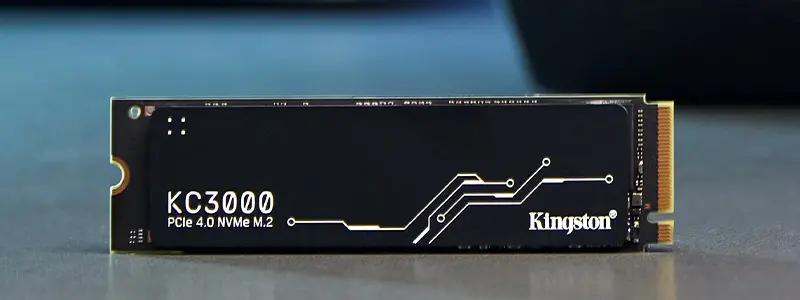
Compare the advertised speeds, write endurance and compatibility of the NV3 1 TB and KC3000 1,024 GB.
View comparisonA right-handed desktop mouse or a compact travel mouse? Compare the Business models' weight and use.
View comparisonThe T7 Shield's IP65 rating and the standard T7's intended use. Protection is no substitute for a backup.
View comparisonThe difference between the T7 and T9 also depends on your computer's USB connection. Compare these external SSDs side by side.
View comparisonTLC stores three bits per cell and QLC stores four. The controller, cache and your workload also matter when choosing an SSD.
View comparisonUSB 3.2 Gen 2 and Gen 2x2: differences in transfers, cables and compatibility.
View comparisonUSB-C describes the connector. Thunderbolt 4 defines capabilities: check the dock's complete connection chain.
View comparisonA clear comparison of NVMe and SATA SSD compatibility, form factors, speed and intended use.
View comparison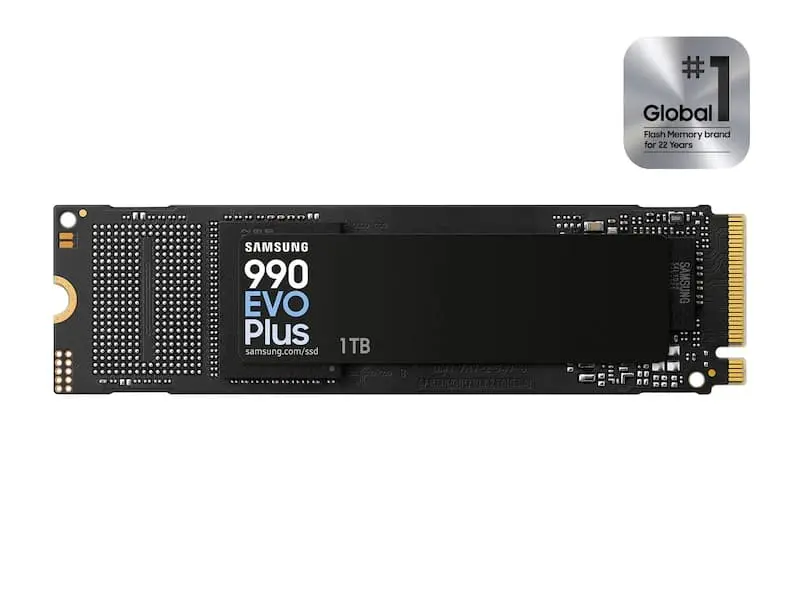
Compare the speeds, interfaces and intended use of the Samsung 990 EVO Plus, WD_BLACK SN7100 and Kingston KC3000 SSDs.
View comparisonM.2 alone does not tell you compatibility. Check the interface, length, space and backup before ordering an SSD.
View comparisonCheck a USB-C dock's display support, charging power, data transfer, ports and your computer's capabilities before ordering.
View comparison