Gaming1080p or 1440p for a gaming monitor
1080p or 1440p for a gaming monitor? Consider the whole setup
Compare 1080p and 1440p by screen size, graphics card, games and refresh rate.
View comparisonGUIDE LIBRARY
Filter by topic or search for a product, feature or use case.
40 guides
Compare 1080p and 1440p by screen size, graphics card, games and refresh rate.
View comparisonRefresh rate is not a promise of higher FPS. Understand the difference between 144 and 240 Hz and check your computer's performance.
View comparisonGaming, browser tabs and background applications: how to judge whether you need more memory.
View comparisonWhat do Nm, 12 V, 18 V, bare tool and battery platform mean? A clear guide to buying a cordless drill.
View comparisonCalculate the combined cost of a drill, battery, charger and later purchases.
View comparisonA cordless drill comparison for a budget under €150. Compare kit contents, bare tools, torque and battery platforms.
View comparisonMemory generations are not interchangeable. How to avoid buying the wrong RAM.
View comparisonA speed-test number alone does not describe a gaming connection. Compare cable and Wi-Fi in your own home.
View comparisonContrast, usage and static desktop content: the key differences when choosing a panel type.
View comparison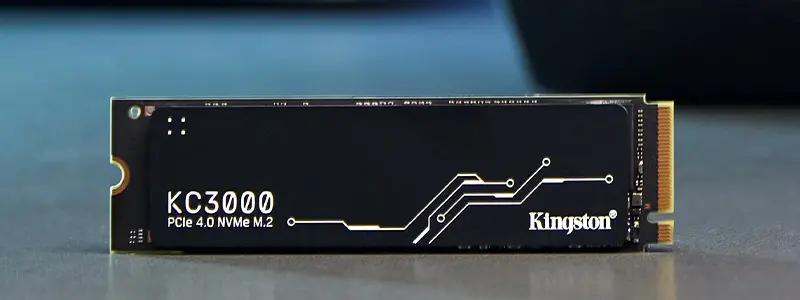
Compare the advertised speeds, write endurance and compatibility of the NV3 1 TB and KC3000 1,024 GB.
View comparisonAdjustable dumbbells, resistance bands or a kettlebell? A clear guide to your first home gym equipment.
View comparisonA practical buying order for a small home gym: space, resistance and later additions.
View comparisonChoose headphones by comfort, microphone and device compatibility. Compare wired, wireless and noise cancellation.
View comparisonMechanical keyboard feel and sound: three switch types side by side.
View comparison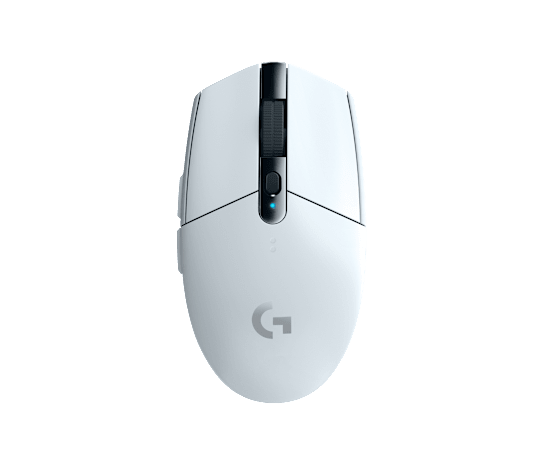
Do you need Bluetooth, or is a USB receiver enough? Compare the connections and everyday use of the G305 and G309.
View comparisonChoose a mechanical keyboard's size, switch feel, sound, layout and replaceability to suit your usage.
View comparisonOne room with poor coverage, or a network for the whole home? Compare mesh and extenders, and learn why placement matters.
View comparisonA right-handed desktop mouse or a compact travel mouse? Compare the Business models' weight and use.
View comparisonA clear comparison of NVMe and SATA SSD compatibility, form factors, speed and intended use.
View comparisonA guide to choosing a gaming mouse's size, shape, grip and buttons before buying.
View comparisonCompare the Logitech G203 LIGHTSYNC, SteelSeries Rival 3 and Razer DeathAdder Essential. See the key differences and who each suits.
View comparison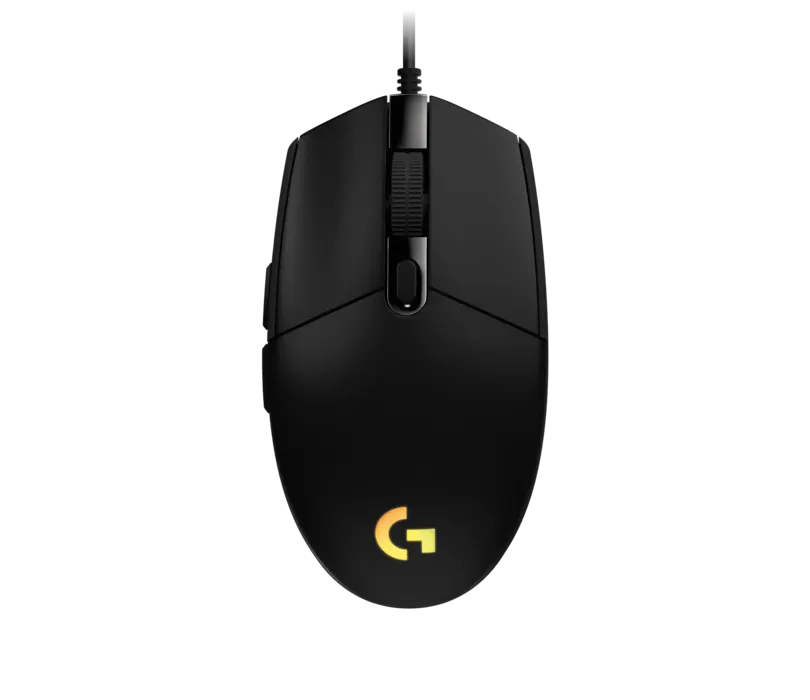
Compare the weight, sensors and grip suitability of the Logitech G203, SteelSeries Rival 3 Gen 2 and Razer Cobra gaming mice.
View comparisonG203 or DeathAdder Essential? Compare shape, sensor, buttons and intended use.
View comparisonA practical guide to choosing a gaming headset by connection type, microphone, fit and device compatibility.
View comparison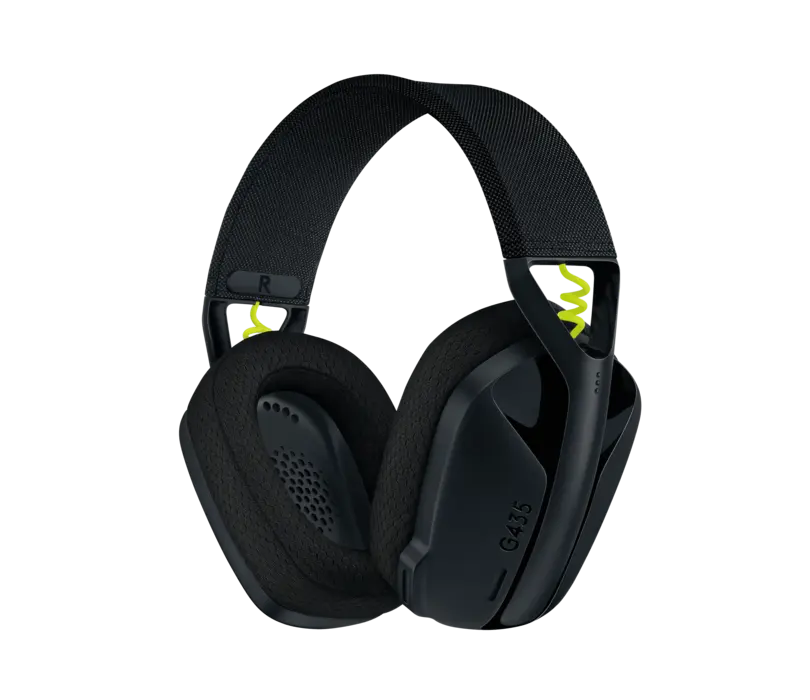
Compare the connections, weight, microphones and intended use of the Logitech G435, SteelSeries Arctis Nova 1 and HyperX Cloud III headsets.
View comparisonChoose the size, resolution and refresh rate for your computer and games. Check the connections before buying too.
View comparison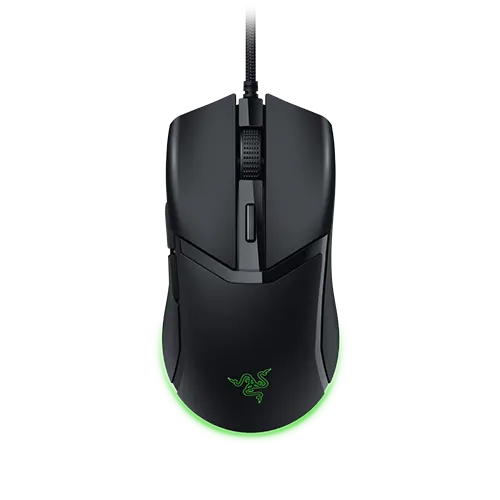
Compact, symmetrical Cobra or right-handed DeathAdder V3? Clear differences between these wired mice.
View comparisonPractical guidance on positioning routers and mesh nodes and improving Wi-Fi coverage at home.
View comparisonThe T7 Shield's IP65 rating and the standard T7's intended use. Protection is no substitute for a backup.
View comparisonThe difference between the T7 and T9 also depends on your computer's USB connection. Compare these external SSDs side by side.
View comparison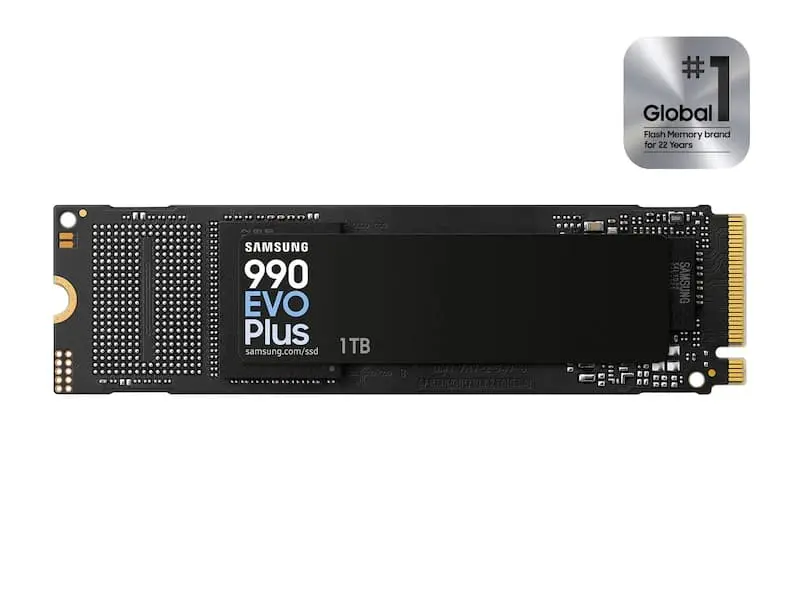
Compare the speeds, interfaces and intended use of the Samsung 990 EVO Plus, WD_BLACK SN7100 and Kingston KC3000 SSDs.
View comparisonM.2 alone does not tell you compatibility. Check the interface, length, space and backup before ordering an SSD.
View comparisonTLC stores three bits per cell and QLC stores four. The controller, cache and your workload also matter when choosing an SSD.
View comparisonUSB 3.2 Gen 2 and Gen 2x2: differences in transfers, cables and compatibility.
View comparisonCheck a USB-C dock's display support, charging power, data transfer, ports and your computer's capabilities before ordering.
View comparisonUSB-C describes the connector. Thunderbolt 4 defines capabilities: check the dock's complete connection chain.
View comparisonA USB microphone connected directly to your computer, or XLR with an audio interface? Work out the total cost and intended use.
View comparisonWi-Fi 6E adds the 6 GHz band, but the benefits depend on compatible devices and suitable placement.
View comparisonCompare Wi-Fi 6 and Wi-Fi 7 routers by device support, home coverage, internet connection and practical needs.
View comparisonA comparison of Wi-Fi 7 and wired connections for home use, without speed promises.
View comparisonNo guides found. Clear the search or change the topic.